From AI Try-On tool to AI image & video creation platform: aitryon.art product experience redesign
aitryon.art had outgrown its original try-on positioning. I reframed it as an AI image and video creation platform, redesigned the homepage generation entry, and connected that entry with tool pages, model pages, and the post-login flow. After launch, visit duration rose 83.3%, subscription conversion rose 40%, and monthly net profit was about 2.4x higher.
01. Product Context
Before this project, aitryon.art was still mainly perceived as an AI try-on tool. Vertical tools like this could work in the early days: users were drawn in by a single try-on toy, such as clothing, color, or tattoo, completed a trial, and sometimes even paid because it happened to solve their need.
That premise started to break as general image models improved. Many lightweight try-on needs no longer required a dedicated tool. At the same time, higher-intent users cared more about model quality, batch creation, product images, short videos, and social content.
02. Core Problem
The old page introduced the product, but it did not explain fast enough what aitryon.art had become. Users still had to read, choose a tool, move to another page, upload, log in, and then generate. The path had too many small handoffs.
I split the problem into three layers: product positioning had not caught up with capability expansion; the homepage lacked a strong enough generation entry; SEO and tool pages drove traffic but content structure, page templates, and downstream generation experience were not unified.
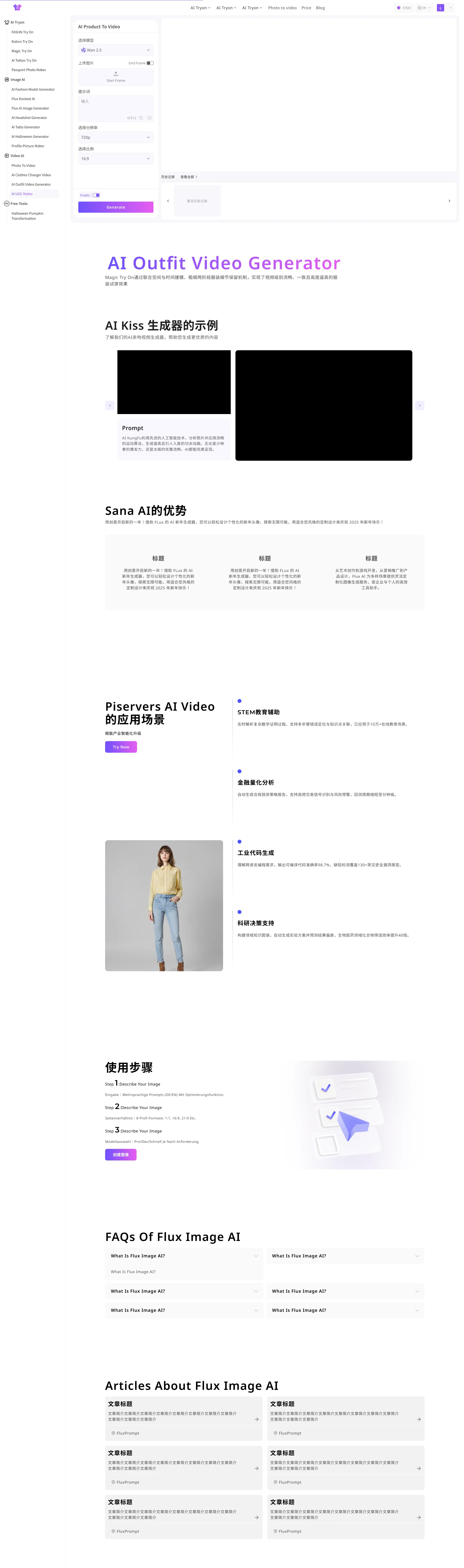
- The old homepage was display-first. Users had to find a tool, enter the tool page, then upload, log in, and generate.
- Outward narrative still skewed toward try-on, unable to express compound capabilities across image, video, UGC, and avatars.
- Homepage generation entry and tool page forms could pass parameters, but UI style and experience rhythm were inconsistent.
- History entry existed, but visuals were dated; reviewing older history required jumping between generation and history.
- Model pages and tool pages had SEO potential but needed more stable templates and continuous update mechanisms.
03. Product Strategy
A visual refresh would not solve the problem. The homepage needed to become a generation entry. Model pages and tool pages also needed to work as part of the product path instead of stopping at traffic.
I prioritized shifting the product narrative from a single-point try-on tool to an AI image & video creation platform. The homepage now defaults to AI Video, because video model heat and conversion potential are higher; AI Image and Virtual Try On are still preserved so old and new users can find their own entries.

04. Experience Redesign
The redesigned homepage lets users start before they fully understand the whole site. They can upload an image, write a prompt, choose AI Video, AI Image, or Virtual Try On, then pick a model and template. If they need to log in, their input is preserved and carried into the right tool page afterward.
- Homepage defaults to AI Video to capture higher-heat, higher-conversion video generation intent.
- Prompts, uploaded images, models, templates, and related generation params from the homepage carry into the tool page.
- The generation page was not fully rebuilt in this version. I only adjusted color and entry stitching, because AI Studio comes next.
- History entry was preserved as-is, but flagged as the key experience problem to unify in Studio next.

05. SEO Content System
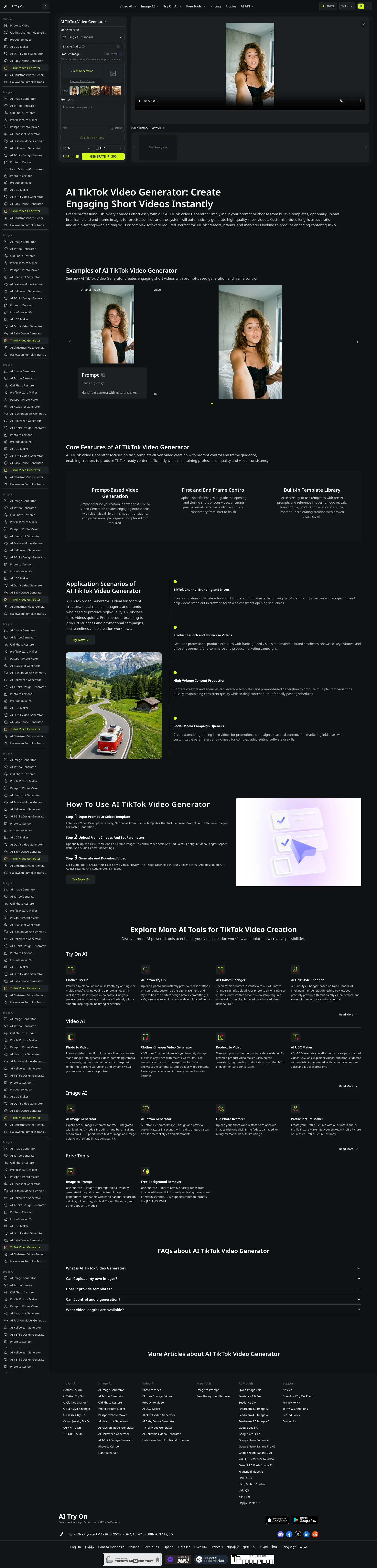
SEO was not a separate content task in this project. It was part of the product path. Model pages captured demand by model name, and tool pages captured task-based intent. Both needed to guide users toward generation.
To let future model and tool pages keep scaling, I built a JSON-based copy generation skill. It can batch-produce baseline English copy while keeping examples, features, advantages, use cases, how-to guides, related tools, and FAQ modules consistent in structure, H2 phrasing, and SEO keywords. I still review the output by hand so the pages read like product copy, not keyword stuffing.
06. Before / After
| Dimension | Before | After |
|---|---|---|
| Product positioning | More like a single AI try-on tool | A more professional all-in-one AI image & video creation platform |
| Homepage role | Display product intro and hero image | Directly captures upload, prompt, model, and generation intent |
| Generation path | Users had to read the page first, then find a tool entry | After login, inputs are preserved and carried to the matching tool page to continue |
| SEO system | Page structure and copy update flow were not unified | Model pages, tool pages, articles, and the writing skill now support the same generation path |
| Next phase | Generation page, tool page, and history experience were fragmented | Plan AI Studio to unify generation forms, results, and history into one workflow |
07. Outcome
I checked whether users stayed longer, opened more pages, subscribed more often, and whether the business result moved. All four moved in the right direction after the small releases.
08. Next: AI Studio
This release fixed the positioning and made generation easier to start. It also made the next problem more obvious: generation forms, result preview, and history still lived in separate places. AI Studio is the next step toward putting that workflow in one workspace.
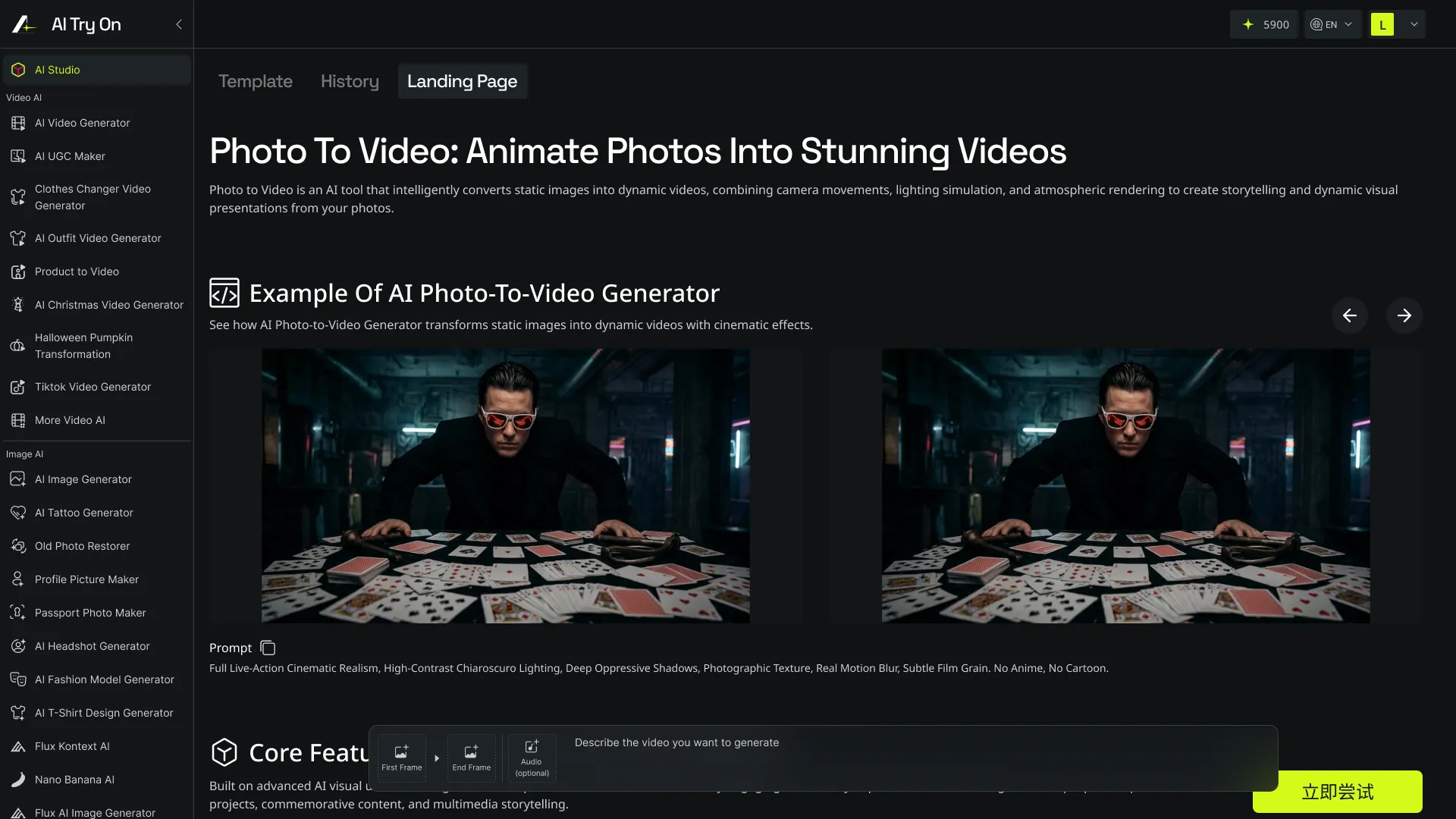
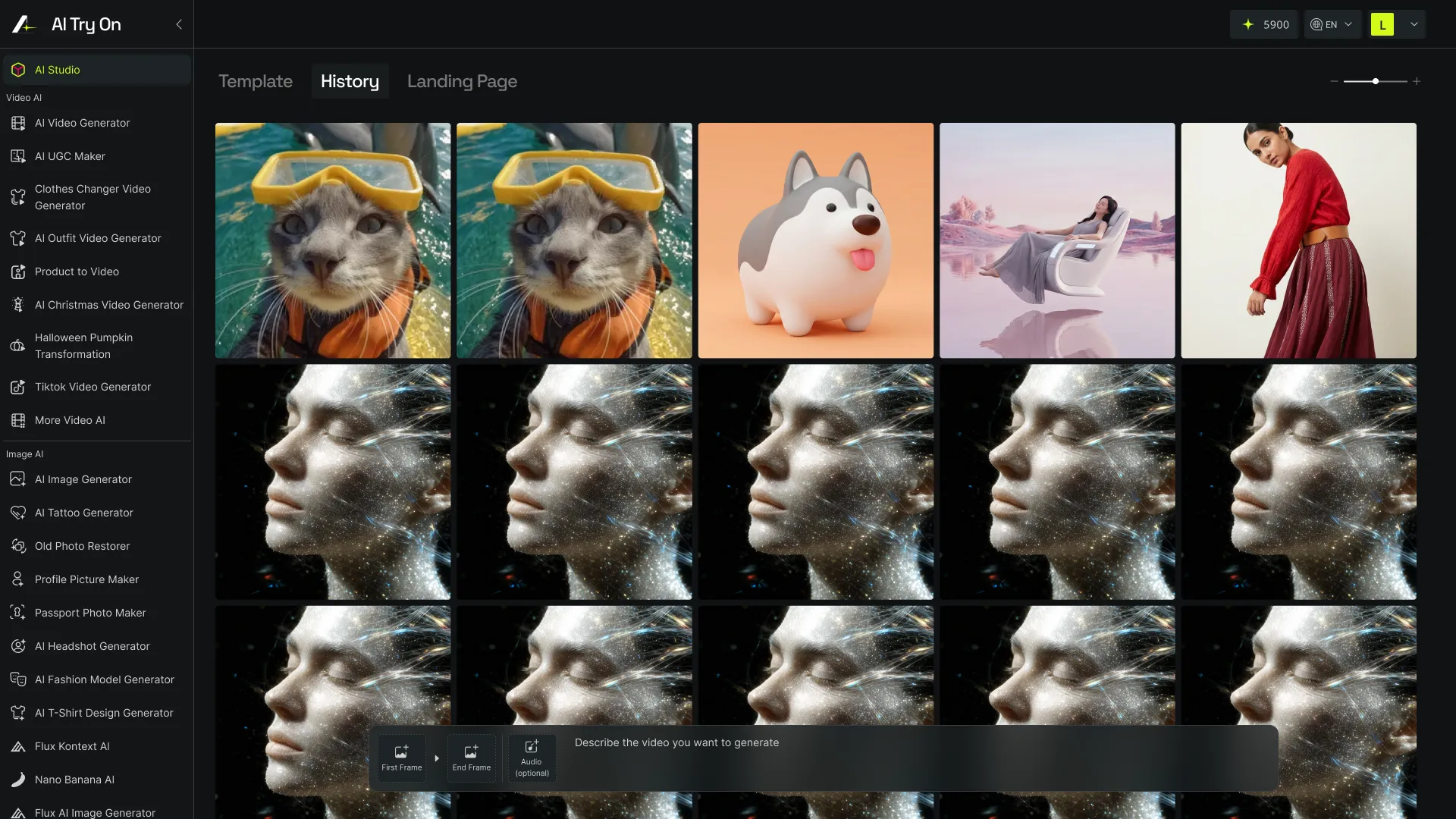
- Unify model selection, templates, uploads, prompts, result preview, and history into AI Studio.
- Let users filter history by model, type, and time to cut down jumps between generation and history.
- Recommend the right image / video / virtual try-on workflow based on user source and search keywords.
- Keep expanding organic search traffic via model pages, tool pages, and articles.